
Automation for Growth: The Unstoppable YouTube Machine (Free, Step-by-Step Guide)
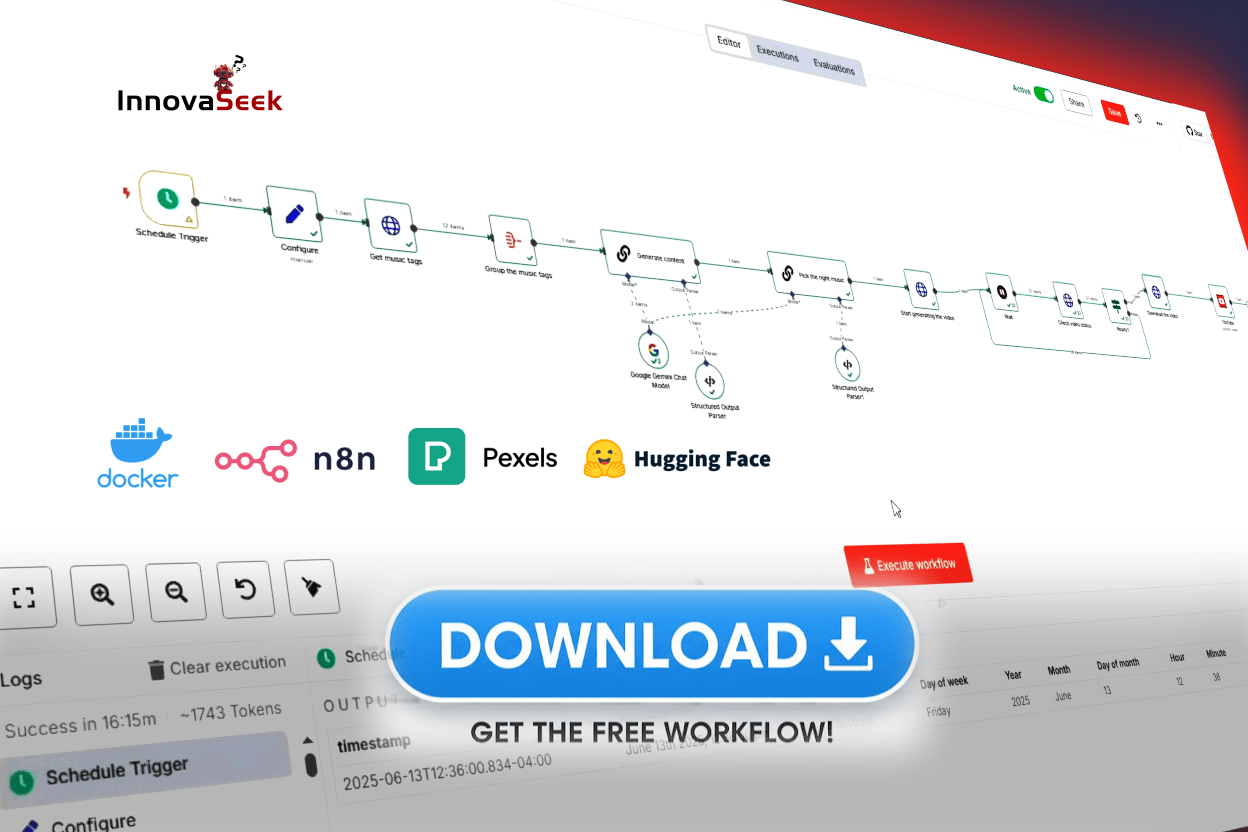
Automation for Growth! Build a free AI agent with n8n and Gemini to produce & schedule daily YouTube videos while you sleep
Are you tired of the content treadmill? Do you dream of scaling your YouTube channel without sacrificing every hour of your day to scripting, editing, and scheduling? The solution lies in building an automated video production system—a true machine designed specifically for Automation for Growth.
This comprehensive guide will walk you through setting up a powerful, self-hosted, and largely free tech stack using Docker, the orchestration engine n8n, the creative AI power of Gemini, and the visual library of Pexels. You will learn how to build a specialized AI Agent that takes a project from idea to scheduled YouTube upload while you sleep.
🛠️ The Resource Toolkit: Software and Links
To build the complete Automation for Growth system, you’ll need the following resources. All tools are either open-source, free, or offer a free tier sufficient for starting your video machine.
| Tool | Purpose | Download/Sign-Up Link | API/Key Request Link |
| Docker | Containerization and self-hosting for n8n. | Download Docker Desktop | N/A |
| n8n | The open-source workflow orchestration engine. | n8n Installation Guide (for Docker) | N/A (Self-Hosted) |
| Gemini API | Generative AI for scripting, titles, and SEO. | Google AI Studio | Get API Key from Google AI Studio |
| Pexels | Free stock video and photo library. | Pexels Website | Pexels API Request Form (Requires Pexels Account) |
| YouTube | Video publishing and scheduling. | YouTube Developer Home | Google Cloud Console (for YouTube Data API) |
Chapter 1: Building the Foundation with Docker and n8n
True Automation for Growth requires moving beyond simple, expensive third-party tools. We start by establishing a robust, independent, and free-to-operate foundation on your own machine.
Step 1.1: Why Docker is Essential for Control
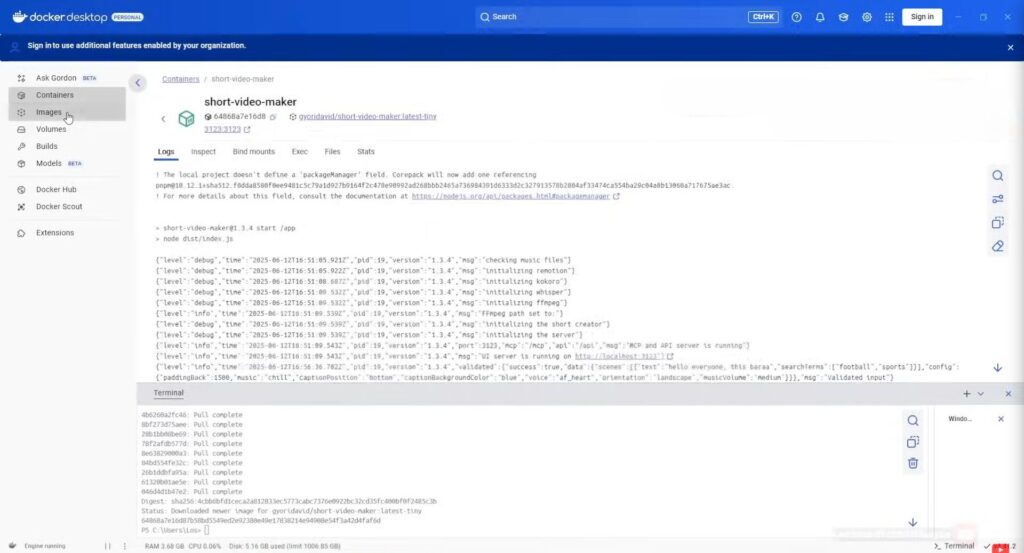
To ensure your “Video Machine” runs reliably and avoids costly subscription fees, you need Docker. Docker allows you to run applications in isolated, portable environments called containers. This gives you the control necessary for genuine, scalable Automation for Growth.
- Action: Download and install Docker Desktop (Windows/Mac) or the appropriate runtime for Linux.
- Key Concept: Running your automation tool (n8n) inside a Docker container guarantees consistency and gives you complete ownership of your data and scaling potential.
Step 1.2: Installing n8n – Your Workflow Maestro
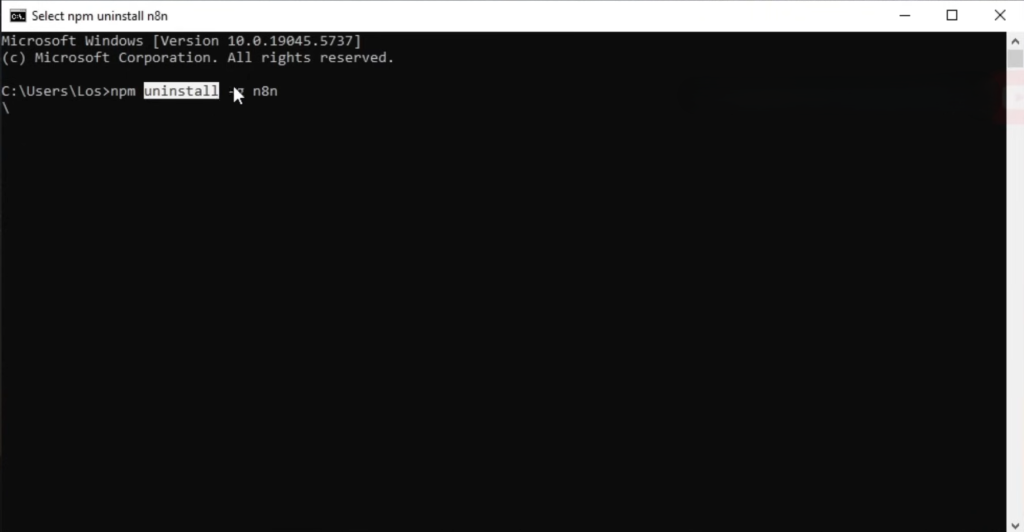
n8n is an open-source, low-code automation platform that will serve as the heart of your system. It is a powerful, free tool for generating and publishing videos automatically.
- Action: Install n8n using Docker. Self-hosting n8n via Docker provides the full feature set (often called the “Pro” experience) without recurring task-based costs, eliminating the main bottleneck to exponential growth.
Chapter 2: Infusing Intelligence with AI Agents
This is where your system transitions from simply automating tasks to automating decision-making—the essence of an AI Agent.
Step 2.1: Defining the AI Agent (The Brain)
An AI Agent is an automated workflow with intelligence. It plans, acts, and iterates, instead of just following simple commands.
- Key Distinction: This system uses Gemini’s advanced reasoning to automate decisions (like topic selection and SEO strategy) and uses n8n to automate the execution of those decisions (like downloading files and uploading them to YouTube). This is the key to building an AI Agent without code.
Step 2.2: Securing Your Free APIs (The Fuel)
To enable the Agent, you need the necessary free credentials.
- Gemini API: Use the link in the toolkit to get your API key.
- Pexels API: Use the link to request your free API key after signing up.
- YouTube API: Set up your project in the Google Cloud Console to enable the YouTube Data API.
Chapter 3: The End-to-End Automation for Growth Workflow
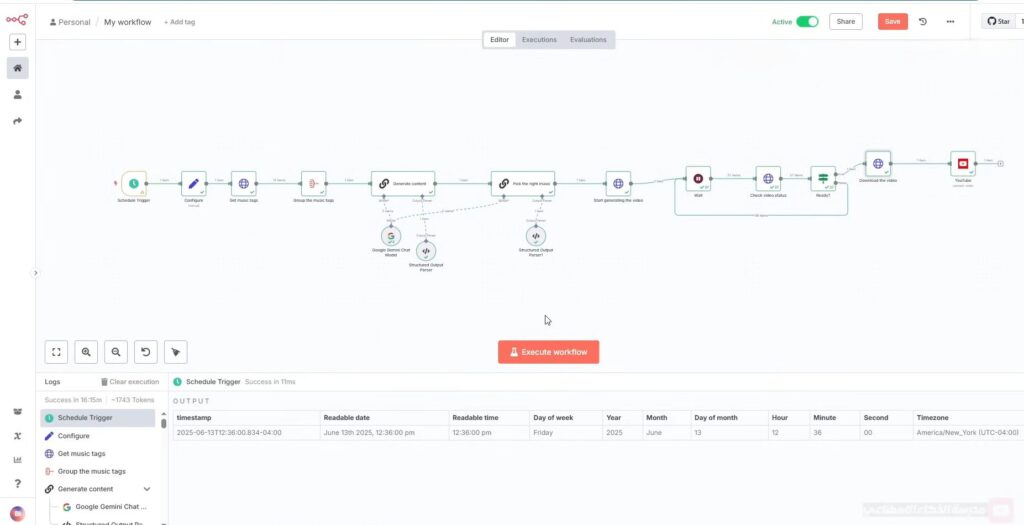
The magic happens when we connect these tools inside the n8n canvas. The free workflow you downloaded follows this exact structure for creating a complete video and publishing it automatically.
Step 3.1: Set the Schedule (The Trigger)
- Node: Schedule Trigger
- Action: Set the trigger to run daily at a fixed time (e.g., 7:00 AM). This ensures your machine is ready to produce content on your specific publishing schedule.
Step 3.2: Content Generation (The Scripting Automation)
The AI Agent takes over to create all necessary written content for your daily video.
- Node: Gemini API
- Action: Pass a complex prompt to Gemini, instructing it to generate a topic, script, title, and extract visual keywords as a JSON list. This achieves automatic script generation in n8n.
Step 3.3: Visual Sourcing (The Pexels Integration)
The Agent uses the generated visual keywords to find and download media automatically.
- Node: Pexels API
- Action: Loop through the list of visual keywords received from the Gemini node. Use the Pexels node to search for and download relevant free stock video clips to your local server.
Step 3.4: Assembly and Voiceover (The Editing Automation)
This step converts your script and clips into a final video file.
- Node (1):Text-to-Speech API (or similar service, connected via n8n’s HTTP Request node)
- Action: Convert the script into an audio file. This handles automatic voiceover and sound effects setup in n8n.
- Node (2):Execute Command
- Action: Run a simple, open-source script (like FFmpeg) that automatically merges the downloaded Pexels clips with the generated audio track to produce the final video file (
final.mp4). This automates the editing and assembly steps.
- Action: Run a simple, open-source script (like FFmpeg) that automatically merges the downloaded Pexels clips with the generated audio track to produce the final video file (
Step 3.5: Publishing and Scheduling (The Final Step)
The last piece of the workflow connects to YouTube, enabling truly passive Automation for Growth.
- Node: YouTube API
- Action:
- Upload the
final.mp4file. - Use the title, description, and tags generated by the Gemini node.
- Schedule the video upload automatically. This ensures the robot publishes your videos at a set time, completing the cycle of Automation for Growth.
- Upload the
Chapter 4: Your Next Step for Exponential Growth
You now have the full architectural plan and all the tools required for building an unstoppable, free, and scalable YouTube content machine.
The best way to start is by importing our complete free workflow.
- Download the n8n Workflow File (using the link above).
- Import the JSON file into your self-hosted n8n instance.
- Connect your API keys (Gemini, Pexels, YouTube) inside the Credentials section.
- Activate the workflow and watch your AI Agent build and schedule your next video!
🎁 Exclusive Bonus: Instant Automation for Growth Workflow
🔥 Stop building, start automating! We are offering the exact n8n workflow discussed in this article as a free download, provided by Baraa Mohamed. Import it directly into your n8n instance, connect your keys, and launch your video machine today!
Pass : 1234
Leave a Reply